Fibonacci Sequence Converter for Agile
Published May 18, 2026
⦁
2 min read
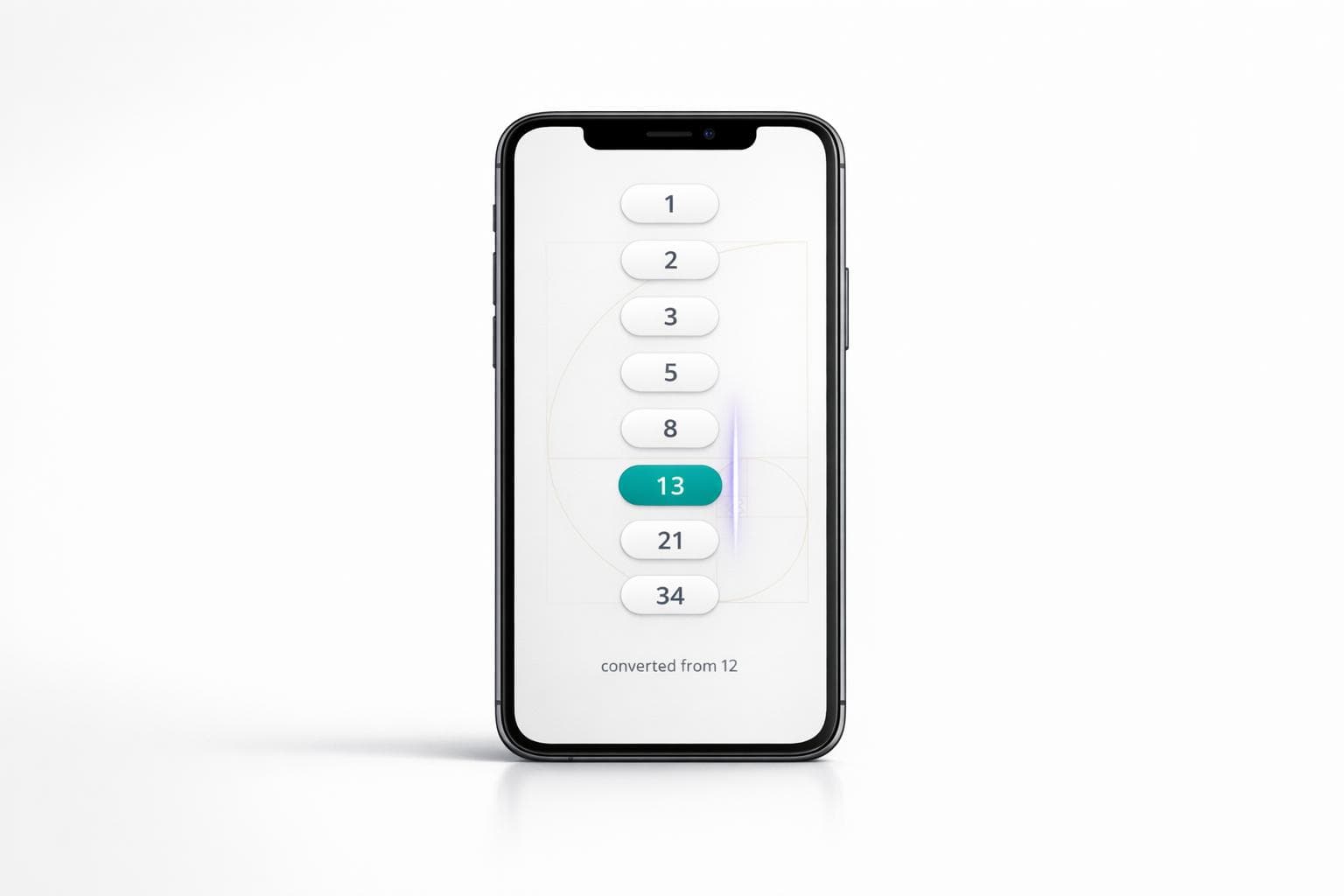
Fibonacci Sequence Converter for Agile
Fibonacci Story Point Conversion Made Simple
Agile teams often prefer Fibonacci-based estimation because it mirrors how uncertainty grows as tasks become larger. A Fibonacci Sequence Converter for Agile helps turn plain numbers into practical story point values without slowing down planning sessions. Instead of stopping to debate whether a task should be a 4, 5, or 6, teams can quickly map estimates to the nearest Fibonacci number and keep the conversation moving.
Why This Helps During Planning
In Scrum and other Agile workflows, consistency matters. When everyone uses the same sizing logic, backlog refinement becomes cleaner and sprint planning feels less subjective. This converter is useful for teams that already think in rough numerical effort but need a faster way to align those values with the Fibonacci scale.
Built for Quick, Clear Results
You can enter a single number or a range, then instantly see the before-and-after conversion. That makes this Agile estimation tool especially helpful for product managers, scrum masters, and developers who want a lightweight way to standardize story point sizing. If an entry is invalid, the tool responds with a polite message, keeping the experience smooth and frustration-free.
FAQs
Why do Agile teams use Fibonacci numbers for story points?
Fibonacci numbers are popular in Agile because they create wider gaps as estimates grow. That helps teams reflect the increasing uncertainty that comes with larger, more complex work. Instead of debating tiny differences between close numbers, teams can focus on relative effort and make faster estimation decisions.
How does the tool choose the nearest Fibonacci number?
The tool compares your input against the standard Fibonacci sequence and maps it to the closest value. For example, 4 becomes 5 and 7 becomes 8. If a number sits between two Fibonacci values, the tool assigns the nearest one based on distance, keeping the result simple and consistent for planning.
Can I use this for a whole range of estimates at once?
Yes. You can enter a single number if you're checking one estimate, or a range if you want to review several values in one go. That makes it handy during backlog refinement, sprint planning, or any session where your team wants to quickly translate raw numbers into Fibonacci-style story points.
Ready to improve your team's planning?
Put what you've learned into practice! Make your next planning session more engaging and accurate.
Try for free - no signup required